
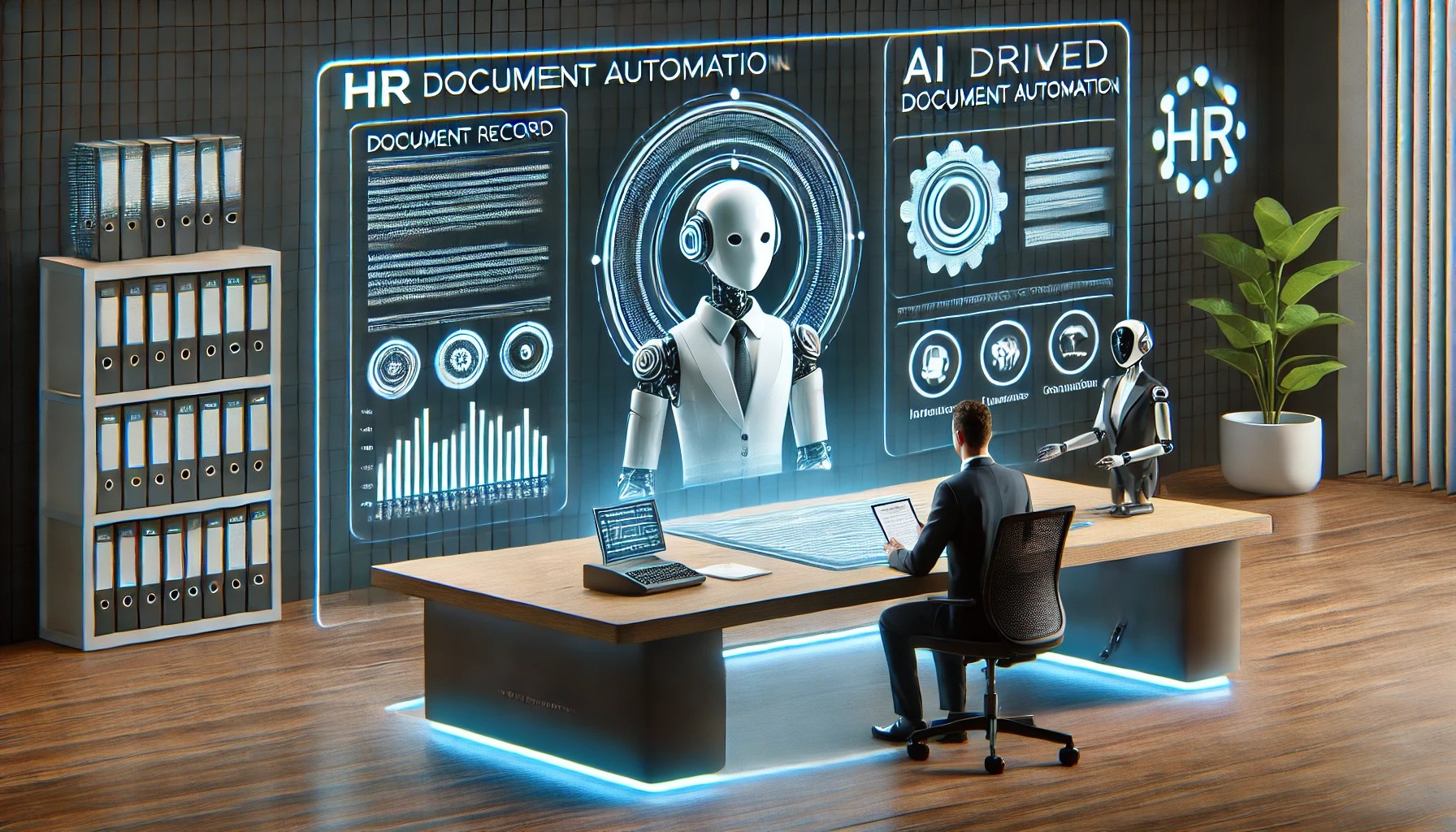
🤖 AI is Changing HR Document Management!
Imagine this: You’re an HR administrator, and a wave of employees are submitting documents for verification—passports, birth certificates, work permits, and more. You’re manually adding issuing comments, ensuring compliance, and reviewing every single entry. 😩
Wouldn’t it be great if AI auto-generate those comments and descriptions for you?
Good news Oracle Fusion HCM now has AI-powered Issuing Comments & Descriptions for Document Records!This Generative AI feature takes care of routine documentation tasks, saving you hours of manual effort while ensuring consistency and accuracy.

In this blog, we’ll explore:
✅ How this AI Assist feature works
✅ Real-world scenarios where it can be a lifesaver
✅ Step-by-step guide to enabling it
✅ Pro tips & considerations for implementation
💡 What Does AI Assist Do?
The AI Assist button in Oracle Fusion HCM is designed to:
📌 Generate Issuing Comments – AI auto-suggests comments when adding a document record, making it easier to provide structured remarks.

📌 Generate Document Type Descriptions – AI automatically creates relevant descriptions for document types, ensuring standardisation across the system.


This feature is especially useful for HR teams handling high volumes of document records, reducing the risk of inconsistencies and human errors.
🔥 Real-World Scenarios: Where This Feature Saves the Day!
🔹 Scenario 1: Handling a Surge of New Joiners
A multinational company is onboarding 500 new employees in a hiring drive. The HR team is overwhelmed with passport submissions, national IDs, and visas. Instead of manually typing issuing comments for each document, the AI Assist button generates standardised comments, ensuring a seamless and error-free documentation process.
📌 Example: AI suggests:
“This passport is issued by the UAE government and valid until [Expiry Date]. Ensure renewal before the expiration date to avoid compliance issues.”
🔹 Scenario 2: Automating Compliance for Work Permits
A company operates across multiple countries, each with its own work permit regulations. HR needs to ensure that issuing comments are legally compliant and uniform across regions. AI-generated comments reduce errors and help meet compliance requirements effortlessly.
📌 Example: AI suggests:
“Work permit issued by the UK Home Office. Valid for employment under [Employer Name]. Renewal required within 90 days of expiry.”
🔹 Scenario 3: Streamlining Employee Benefits Documentation
An employee submits a birth certificate to update their dependent benefits. Instead of HR manually crafting a document description, AI generates one instantly.
📌 Example: AI suggests:
“Official birth certificate issued by [Country/State], verifying the employee’s dependent details for insurance and benefits processing.”
By integrating AI-powered document processing, HR teams can reduce errors, improve efficiency, and focus on strategic tasks instead of repetitive data entry.
🛠 How to Enable AI Assist in Oracle Fusion HCM
By default, the AI Assist button is disabled. To enable it, follow these steps using Visual Builder Studio (VB Studio):
✅ Enable AI Assist for Issuing Comments
1️⃣ Navigate to My Client Groups > Click Show More
2️⃣ Select Document Records from quick actions
3️⃣ Click Edit Page in VB Studio (Ensure you have admin access)
4️⃣ Select your project (or create a new one)
5️⃣ Choose Express Mode
6️⃣ In Document Records – List Page > Properties, enable Show AI Assist
7️⃣ Click Preview, then Publish
✅ Enable AI Assist for Document Type Descriptions
1️⃣ Navigate to My Client Groups > Click Show More
2️⃣ Select Document Types from quick actions
3️⃣ Click Edit Page in VB Studio
4️⃣ Select your project
5️⃣ Choose Express Mode
6️⃣ In Document Types – List Page > Properties, enable Show AI Assist
7️⃣ Click Preview, then Publish
📌 Pro Tip: Always log out and log back in after enabling AI Assist for the changes to take effect.
⚠️ Things to Keep in Mind Before Using AI Assist
🔹 Only available on Redwood UI – You must be on Redwood Document Records and Document Types pages
🔹 All or nothing! – Enabling AI Assist applies to all document records and types, not just specific ones
🔹 English-only (for now) – AI-generated comments and descriptions are currently only available in English
🔹 Always review AI suggestions! – AI-generated text is not always perfect, so HR teams must double-check before saving
🎯 Final Thoughts: Why AI Assist is a Game-Changer
Oracle’s AI Assist for Document Records is a huge time-saver for HR teams. It reduces manual effort, ensures consistency, and minimises errors. Whether you’re onboarding new hires, processing compliance documents, or updating employee records, this AI-driven approach makes documentation faster and smarter.
💬 Have you tried AI Assist in Document Records? What’s your experience? Drop a comment below and let’s discuss! 🚀


Leave a Reply